
Friends
Friend registration can be done through 2 methods.
Meet and Register
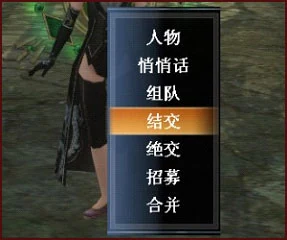
Approach other players' characters to execute the befriend option for friend registration.
After sending a friendship message, the other player will receive a notification, and once they confirm, you can mutually register as friends.
Friend Recruitment Registration
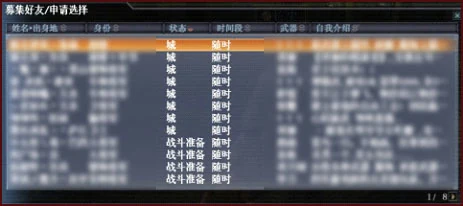
Executing recruit friends at the NPC Chronicler will display players who are currentlyRecruit Friendsplayer list, click on names to view detailed information.
After confirmation, you can apply, and once the other player confirms, you can mutually register as friends.
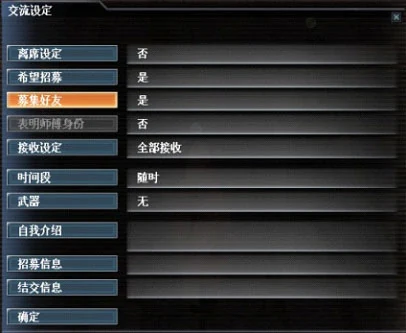
Players can atConfirm information and various settings—Communication, set the recruit friends option to 'Yes', and the character's name will be displayed in the friend recruitment list at the Chronicler.
You can delete friends through the friend list in the communication options.

After registering as friends, communication between both parties will be much more convenient.
>Directly open the friend list to chat.
>You can enter friends' homes.
>You can send letters to friends.
>The friend list will be permanently displayed in the garden entry list.

Severing ties can be completed by selecting the sever ties option near the target player or by adding names to the severed ties list in the communication options.
>After severing ties, messages sent by that character will not be displayed.
>After severing ties, battles that player participates in will no longer appear in the battle list.
You can remove severed players through the severed ties list.
