Starting the Game
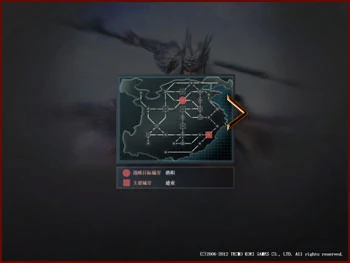
When entering the game for the first time, the current strategy is displayed first, including your faction's main cities and strategic target cities.

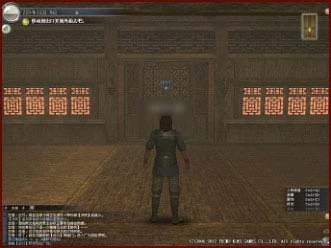
The game will equip the character with a home, courtyard and some furniture. You can move using the W, S, A, D keys on the keyboard. Hold down the W key to walk straight out the door to reach the Plaza.
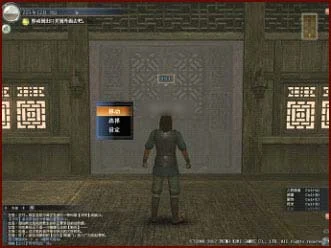
Approaching the door allows you to select the exit, pressing Enter will display three options: Move, Select, Set.
Move
Move to the set Plaza
Select
Select a destination and move there, options include West Plaza, Central Plaza, East Plaza
Set
Change the destination in [Move], options include West Plaza, Central Plaza, East Plaza
If you don't open the options at the exit, the system default setting is to move to Central Plaza.

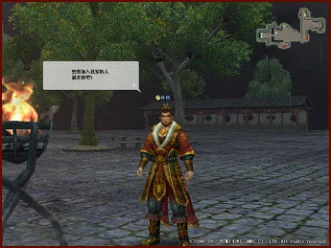
After going out, you cannot move freely yet. The first meeting with the faction lord cutscene will occur. After the lord and training officer finish speaking, you will directly enter the tutorial quest.